


This article looks at the top self-hosted internal employee communication servers. Protecting trade secrets has become increasingly difficult, with cyber threats more
commonplace and the data privacy of both organizations and individuals more at risk. Self-hosted communication servers give organizations more autonomy on sensitive company data.
I will reflect on the most secure options targeting the protection of trade secrets and the enhancement of compliance and confidential employee communication in 2026.
Why Prefer Self-Hosted Platforms for Trade Secret Protection?
Increased Control Over Audits – Tools allow detailed tracking of communication and file access.
Total Ownership of Data – Companies have complete control as all data is saved on their servers.
Minimal External Risk – No data is sent to outside service providers.
Greater Control Over Access – Tools allow customization of controls and policies.
Optimized Compliance – Simplifies fulfilling the requirements for applicable laws, regulations, and internal controls.
Controlled Encryption – Companies have the keys, thus manage security and controls.
Reduced Data Leak Risk – Data stays on the company’s servers.
Flexible Security Customizations – Systems can be customized to meet the company’s threat signature.
Reduced Trade Secret Risk – Companies are no longer at the mercy of the service providers and their security systems.
10 Best Trade Secret Security Platform for Self-Hosted Internal Employee Communication
1. Mattermost
For companies that want to keep their trade secrets safe, Mattermost is one of their best options. Unlike cloud-dependent messaging tools, self-hosted servers give firms greater control of their data.
Important recent updates to the app have included features to monitor compliance, control settings with greater granularity, and monitor AI integrations to include features to control the leakage of sensitive information.

Mattermost is becoming widely popular in manufacturing firms, research labs, and other technology firms to host secret discussions while fulfilling their security and compliance needs.
Mattermost Pros and Cons
| Pros | Cons |
|---|---|
| Complete self-hosted data ownership | Requires server administration expertise |
| Strong compliance and audit controls | Advanced features need paid plans |
| Granular user permissions | Initial deployment can be complex |
| Excellent integration ecosystem | Higher infrastructure costs at scale |
| Suitable for regulated industries | Mobile experience less polished than Slack |
2. Rocket.Chat
Heavy users of trade secrets will find self-hosting communications platforms to be particularly useful. Rocket. Chat is an enterprise communications platform that is fully self-hostable and offers many other helpful features, such as file sharing, video chat, and messaging.
Recently added security features include more sophisticated logging for audits and integrations for managing identity.
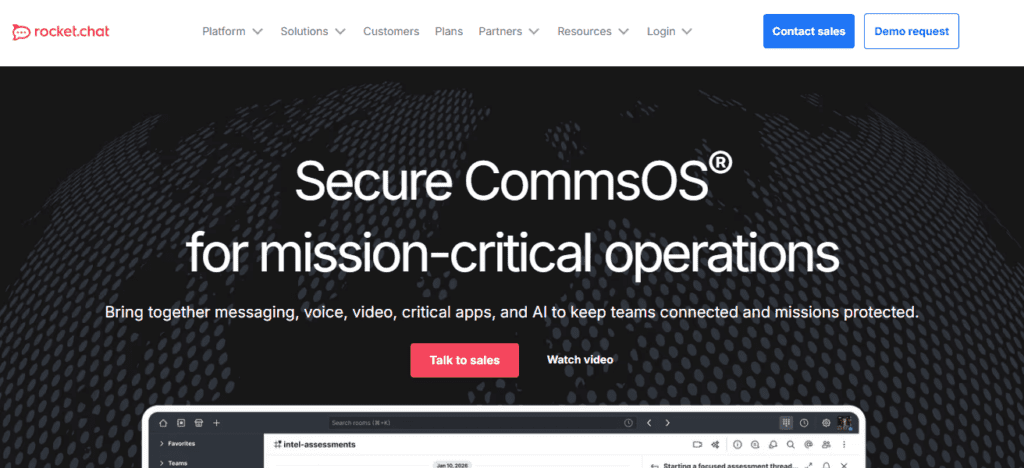
Platforms with self-hosted capabilities allow businesses to design their systems in ways to meet their internal security policies, and greatly reduce their risk exposure to third parties.
Rocket.Chat Pros and Cons
| Pros | Cons |
| Open-source and highly customizable | Resource-intensive for large deployments |
| Secure messaging and file sharing | Some enterprise features require subscriptions |
| Supports video conferencing | Setup may require technical knowledge |
| Strong identity management integration | UI can feel overwhelming for new users |
| Active development community | Performance tuning may be necessary |
3. Zulip
To protect trade secrets, Zulip has excellent features to organize your team’s communications by topics. This feature is particularly useful to keep discussions separate and structured regarding sensitive or classified communications.
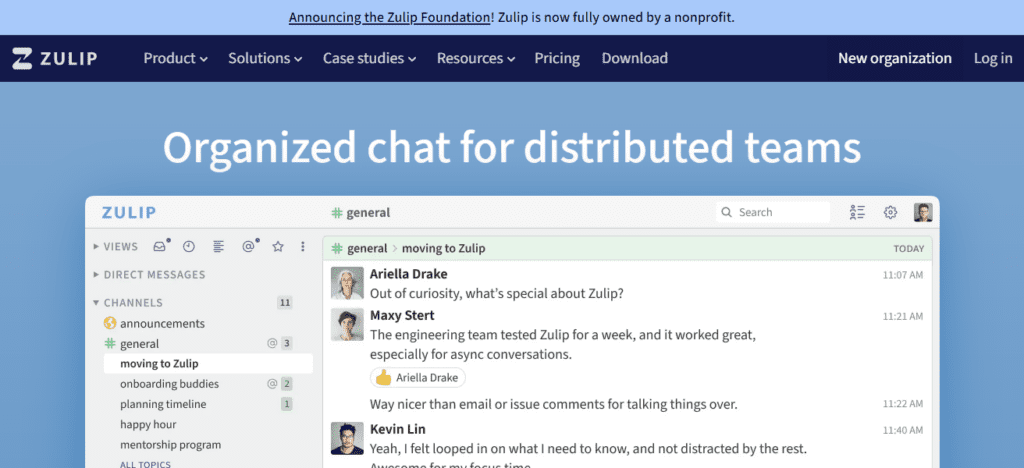
Additionally, the recent updates of Zulip have increased performance and support for enterprise grade authentication, all while improving the management of data-retention policies.
Keeping your trade secrets safe is of utmost importance to your enterprise. You can trust that your data is secure within the infrastructures of your company.
Zulip Pros and Cons
| Pros | Cons |
| Unique topic-based conversations | Learning curve for first-time users |
| Excellent knowledge organization | Smaller third-party integration ecosystem |
| Powerful search functionality | Less popular than mainstream alternatives |
| Efficient for technical teams | Limited built-in video conferencing |
| Strong open-source community | Requires user training for adoption |
4. Openfire
Openfire is a great option for companies that want full control over their internal messaging. It is a powerful, real-time XMPP-based communication server that is completely customizable through plugins.
More and more often, Openfire is deployed with enterprise identity management and security monitoring systems.
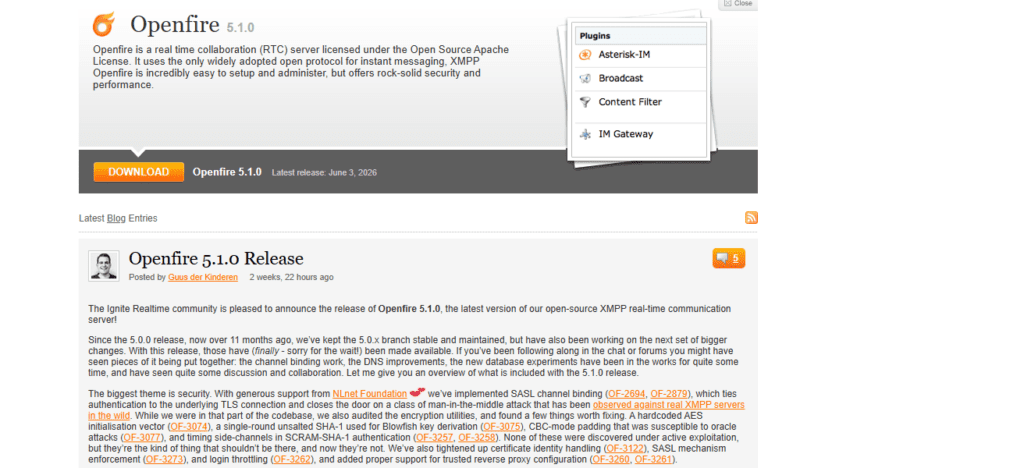
Because the communication is internal, the risks of exposure to the outside world are greatly reduced. Openfire scales well from the mid-market to the enterprise, and is great at keeping operational data private.
Openfire Pros and Cons
| Pros | Cons |
| Lightweight and reliable | Older interface design |
| Extensive plugin support | Limited modern collaboration features |
| Strong XMPP compatibility | Smaller developer ecosystem |
| Easy integration with enterprise systems | Requires custom configuration for advanced security |
| Low hardware requirements | Less suitable for multimedia-heavy teams |
5. Nextcloud Talk
Nextcloud Talk is a secure internal chat, voice, and video, all hosted and controlled by the organization. It integrates with Nextcloud, allowing organizations to store all their sensitive business information within the same internal IT infrastructure.
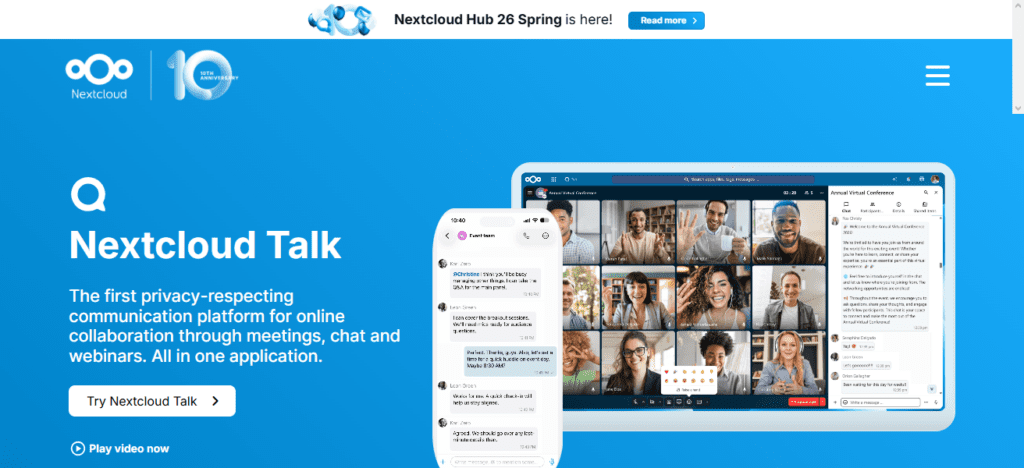
Recent updates to Nextcloud Talk have improved performance for large meetings and strengthened end-to-end encryption.
Organizations that need to control and secure their internal communications and data, such as those that deal with IP and client-sensitive information, benefit the most from these deployments.
Nextcloud Talk Pros and Cons
| Pros | Cons |
| Integrated with Nextcloud storage | Video performance depends on server resources |
| Strong privacy controls | Setup complexity increases with scale |
| Secure file sharing and collaboration | Requires Nextcloud ecosystem adoption |
| End-to-end encryption support | Enterprise support can be costly |
| Centralized communication platform | Large deployments need optimization |
6. Matrix Synapse
Matrix Synapse is the most flexible option for internal secure communications and decentralized private networks.
Organizations can create internal ecosystems and private messaging systems with the peace of mind that they own the data.
Recent upgrades have improved encryption and enterprise controls. Because of its flexibility, resiliency, and the fact that it can be decentralized and run independently
From commercial communications, it is actively being chosen by defense contractors and government agencies.
Matrix Synapse Pros and Cons
| Pros | Cons |
| Decentralized and highly flexible | More complex administration |
| Strong encryption capabilities | Federation management requires expertise |
| No vendor lock-in | Higher learning curve for administrators |
| Excellent scalability potential | Resource usage can grow significantly |
| Suitable for government-grade deployments | Configuration can be time-consuming |
7. Element Server Suite
Element Server Suite uses Matrix technology, allowing enterprise-grade communications for especially secure environments.
It encompasses encrypted messages, calls, video meetings, and secure meeting rooms. Additional enterprise-friendly tools for compliance and security governance are newly added features.
For organizations that deal in trade secrets, Element Server Suite provides the opportunity to create sovereign communication environments to keep sensitive trade information safe from external cloud providers and third-party personnel.
Element Server Suite Pros and Cons
| Pros | Cons |
| Enterprise-ready Matrix solution | Premium features may increase costs |
| Advanced compliance tools | Requires Matrix knowledge |
| Secure messaging and conferencing | Initial deployment complexity |
| Strong governance controls | Smaller ecosystem than Microsoft Teams |
| Excellent for sensitive environments | Training may be required for users |
8. ejabberd
ejabberd is a communication server that has been around for a while. It is built on the principles of performance and reliability. ejabberd provides strong security while enabling millions of simultaneous connections.
Newer versions of ejabberd offer more options for secure authentication, advanced features on clustering, and enhanced monitoring capabilities.
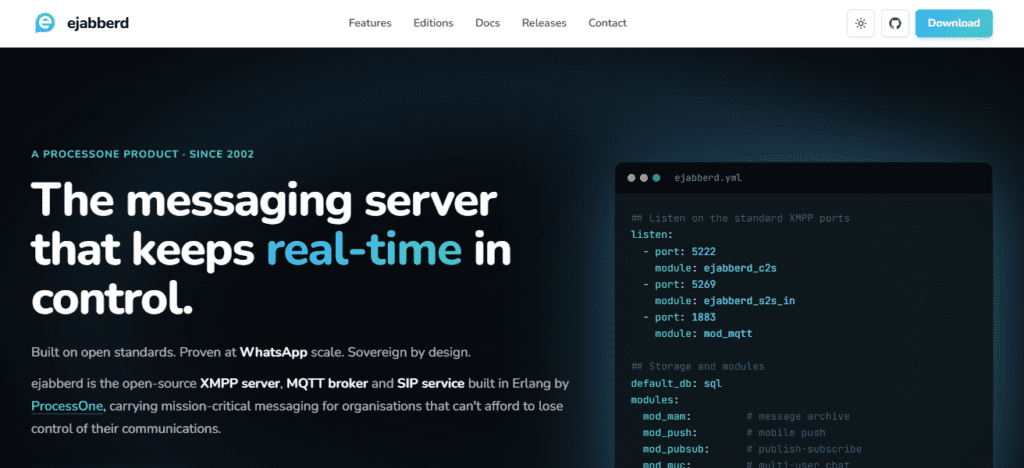
ejabberd is used by large enterprises and communication service providers to design communication systems that are secure and scalable to the level of sensitive communications.
The modular nature of ejabberd allows organizations to design and build communication systems that integrate security mechanisms of their choice.
ejabberd Pros and Cons
| Pros | Cons |
| Extremely scalable architecture | Less modern interface |
| Handles millions of connections | Requires experienced administrators |
| Strong clustering capabilities | Limited collaboration features |
| Reliable enterprise performance | XMPP adoption is lower today |
| Flexible authentication options | Documentation can be technical |
9. Wire Server
Wire Server provides secure communications for companies that have a high need for confidentiality. Wire Server is self-hosted, offering companies control over message and communication metadata.
Wire Communications protects encrypted information during both transport and storage. Enterprise enhancements include improved governance compliance and better visibility for administrators.
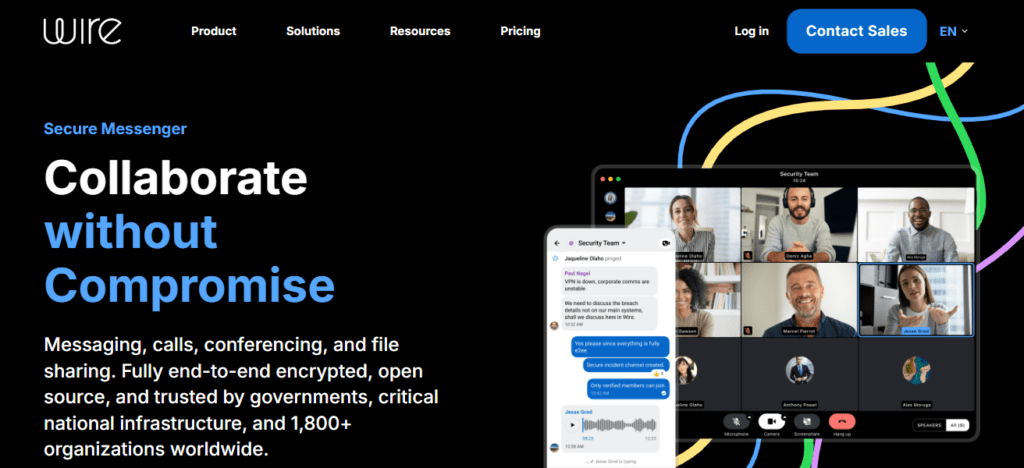
Wire is the preferred solution for highly sensitive communications for companies involved in Legal Services and business planning.
Wire Server Pros and Cons
| Pros | Cons |
| Security-focused architecture | Smaller market adoption |
| Strong end-to-end encryption | Enterprise deployment costs can be higher |
| Designed for confidential communications | Fewer integrations than competitors |
| Excellent compliance support | Limited customization options |
| Modern user interface | Smaller community support base |
10. Jitsi Meet (Self-Hosted)
Self-hosted Jitsi Meet offers organizations end-to-end encryption and the ability to host their own video conferencing channels.
This helps organizations to treat their meetings with privacy and control. Recent updates to Jitsi Meet have made the platform more secure and reliable.

Internal hosting of communications systems helps organizations to protect sensitive information that may otherwise be leaked or compromised.
Jitsi Meet (Self-Hosted) Pros and Cons
| Pros | Cons |
| Free and open-source | Primarily focused on video meetings |
| Easy browser-based access | Large meetings require significant resources |
| No vendor dependency | Fewer team collaboration features |
| Strong privacy and control | Requires bandwidth optimization |
| Quick deployment process | Limited persistent chat capabilities |
Conclusion
There has recently been a rise in demand for self-hosted communication solutions. This is due to the need for increased protection of trade secrets and data on a global scale.
Solutions which include Mattermost, Rocket. Chat, Matrix Synapse, and Nextcloud Talk offer organizations complete control over their communication while minimizing the risks inherent with third-party solutions.
In the years leading up to 2026, the protection of sensitive data will be a top priority of all organizations, as threats to data continue to increase.
The implementation of a self-hosted secure communication system will strengthen the protection of an organization’s intellectual property and trade secrets.
FAQ
Mattermost is often considered the best overall choice due to its strong security controls, compliance features, and enterprise-grade collaboration capabilities.
Yes. Rocket.Chat supports scalable deployments, secure messaging, audit logs, and advanced identity management, making it suitable for large organizations.
Zulip uses a topic-based conversation model that organizes discussions into streams, making it easier to manage complex projects and confidential information.
Yes. Platforms like Nextcloud Talk, Element Server Suite, and Jitsi Meet provide secure voice and video conferencing alongside team messaging features.